Client reports that sell your care plan for you
Most maintenance reports are a list of version numbers nobody reads. VettedWP reports show what your client actually bought: the vulnerabilities you closed, the backups you verified, and the downtime that didn't happen.
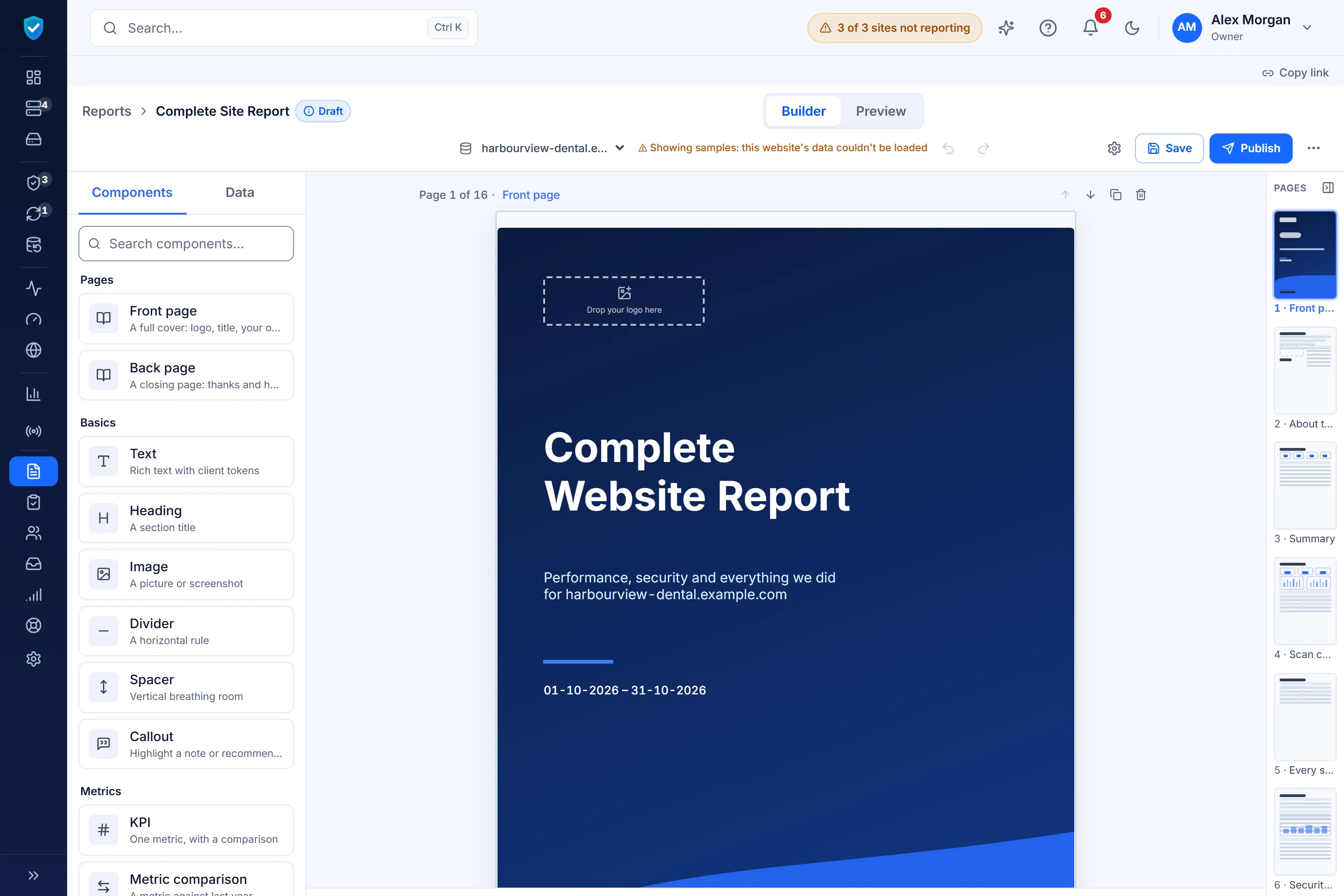
Design it like a deck, fill it with live data
- Drag-and-drop builder: pages, sections and blocks on a canvas, with your colors and logo.
- 10 ready-made templates: monthly website report, security report, client executive report, quarterly review, incident report and more. Save your own as templates.
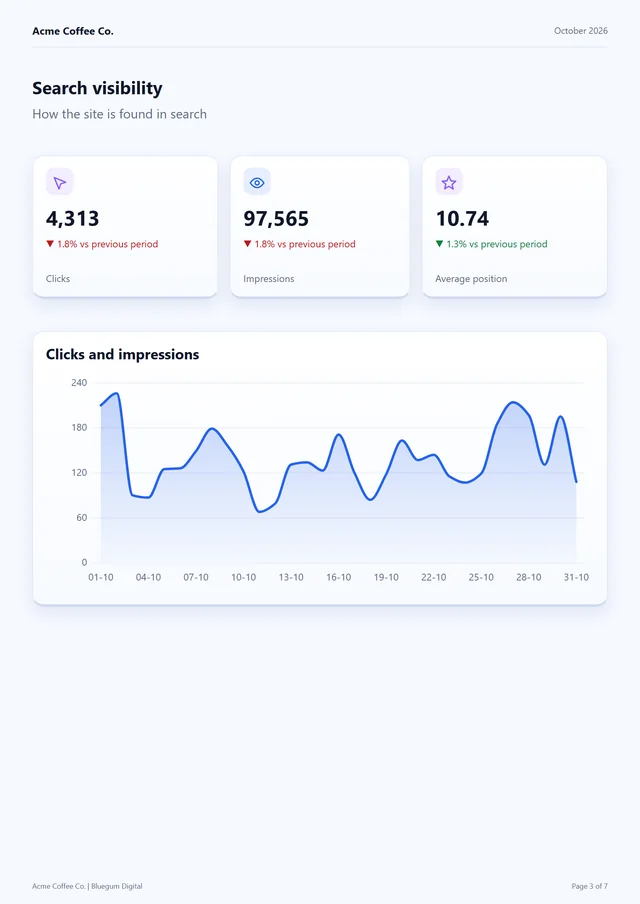
- Live data blocks: vulnerabilities fixed, updates applied, backups verified, uptime and response, traffic and Search Console, keyword rankings, forms checked and time logged.
- Your words: notes, recommendations and custom work alongside the data.
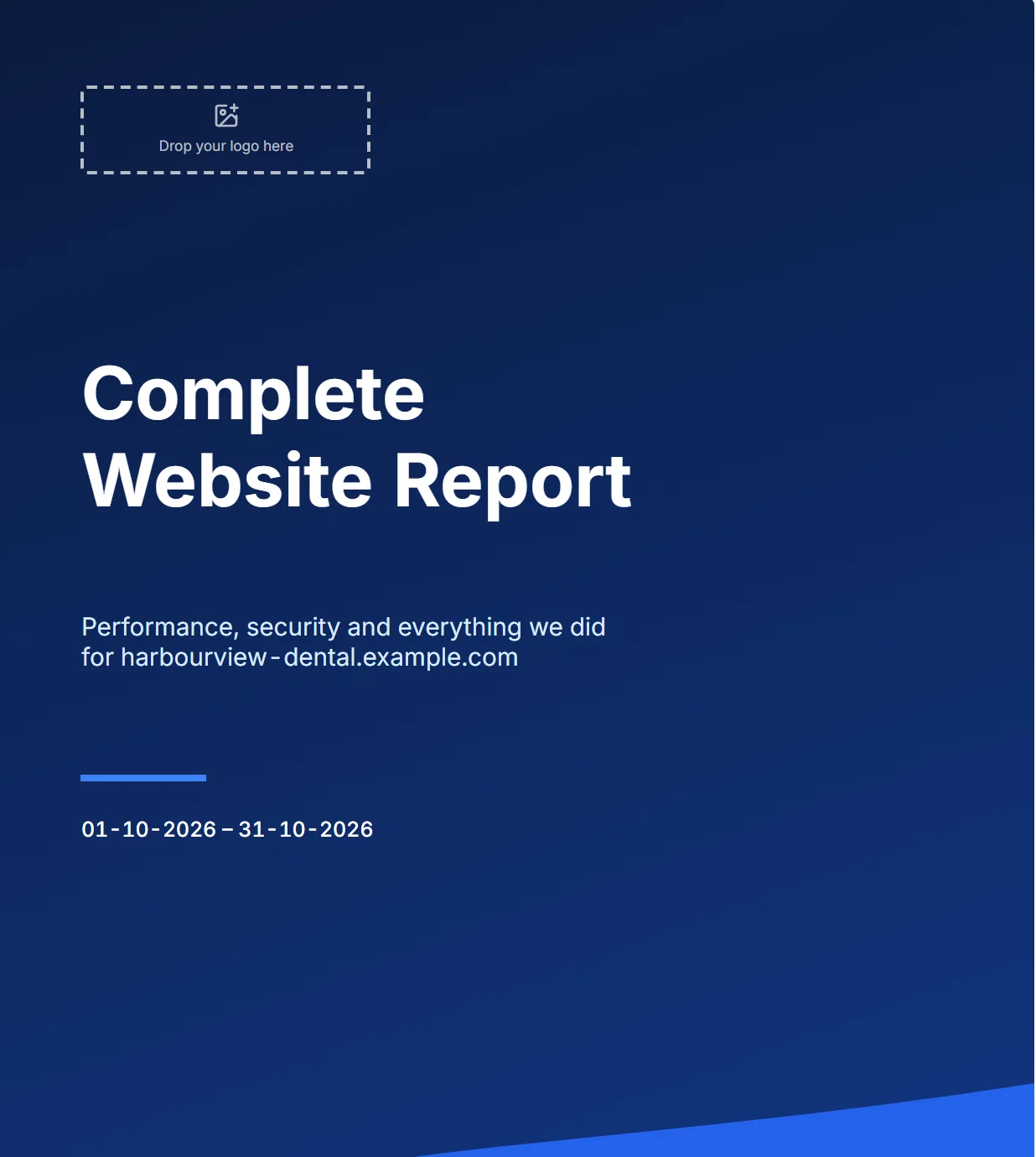
Ten templates to start from
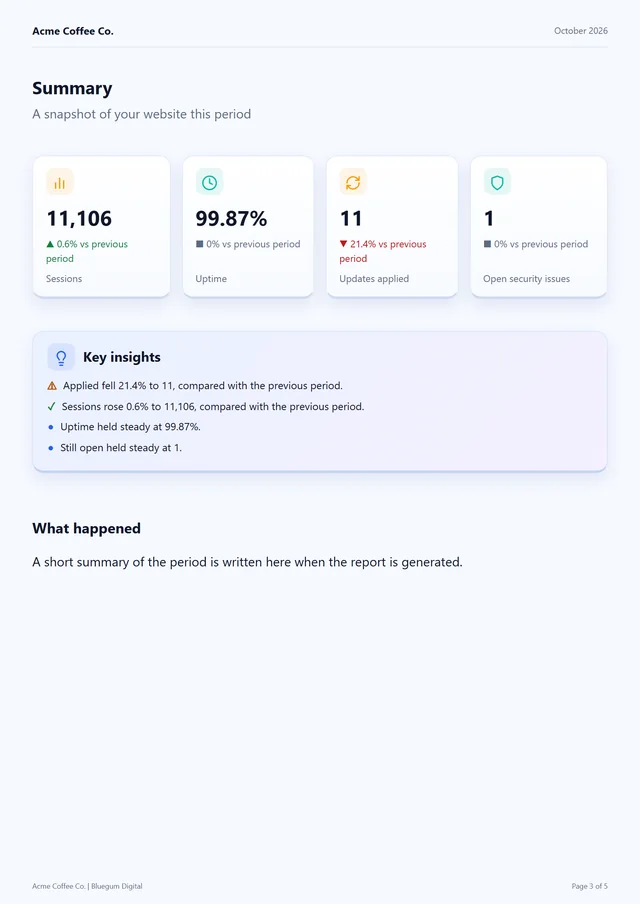
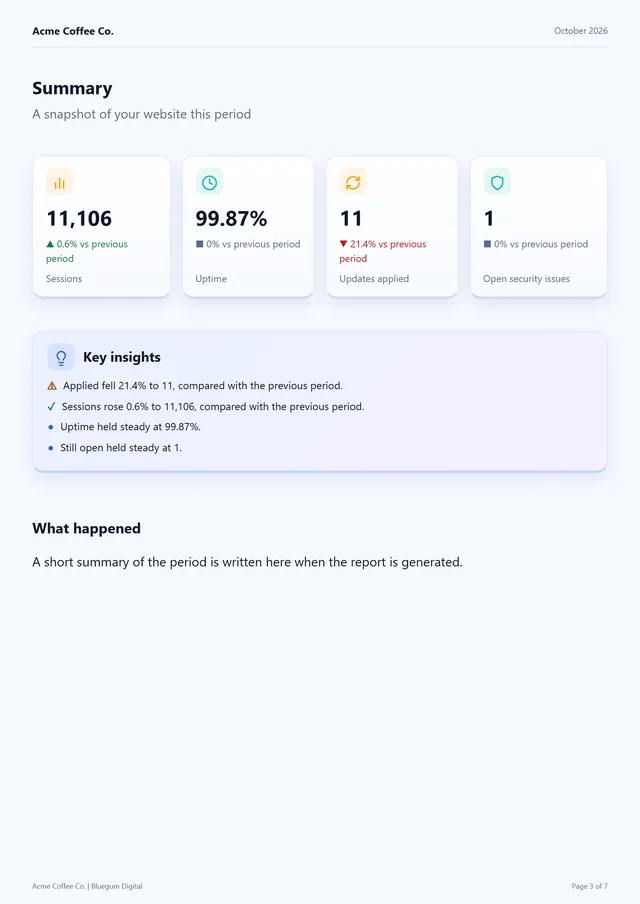
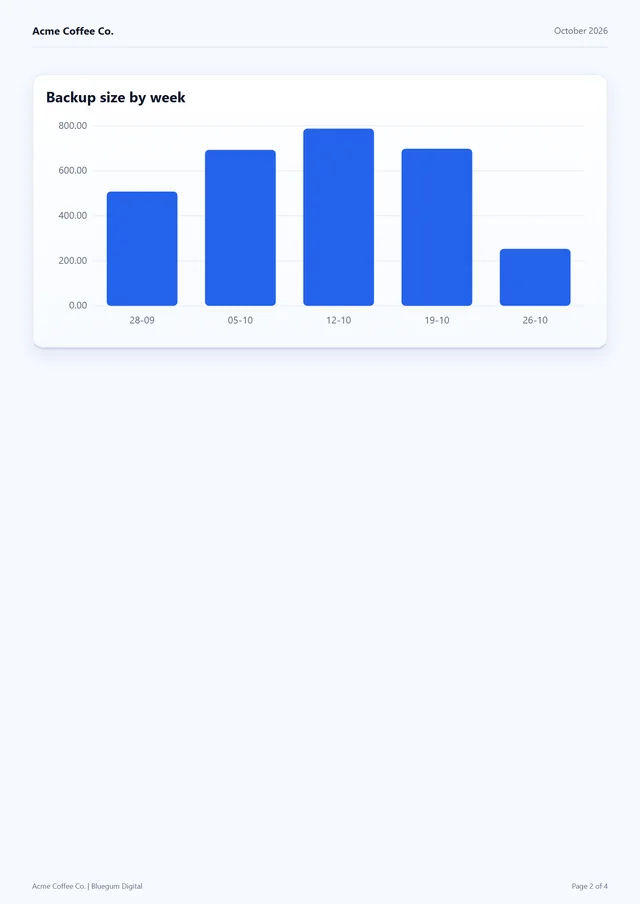
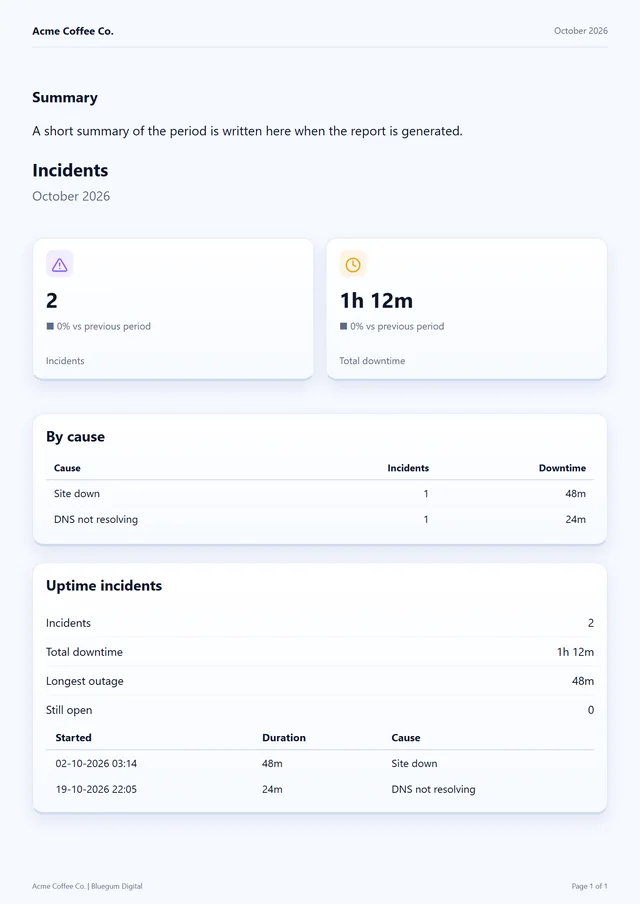
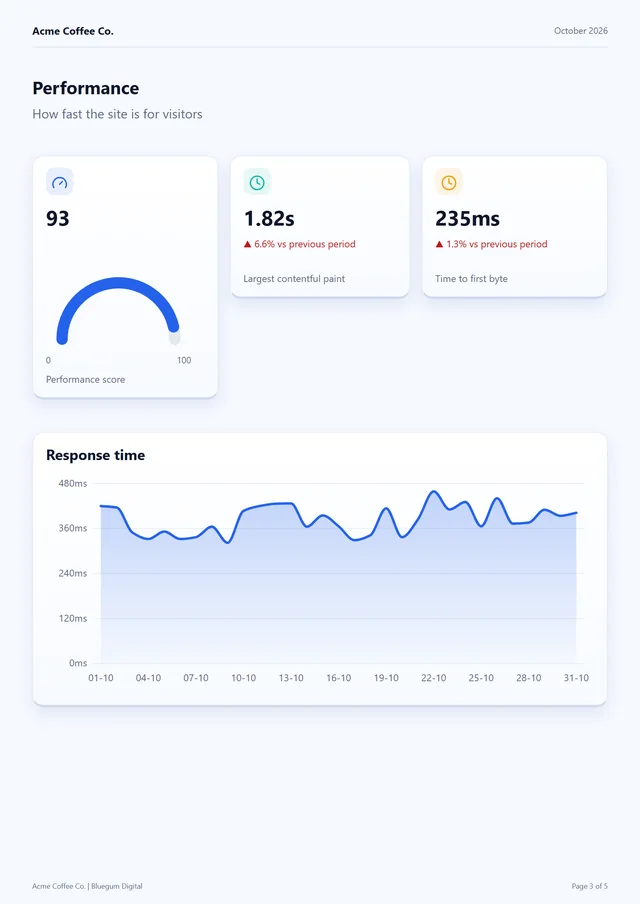
Every template is a starting point you can change, and any report you build can be saved as a template of your own. Shown with the builder's sample data.
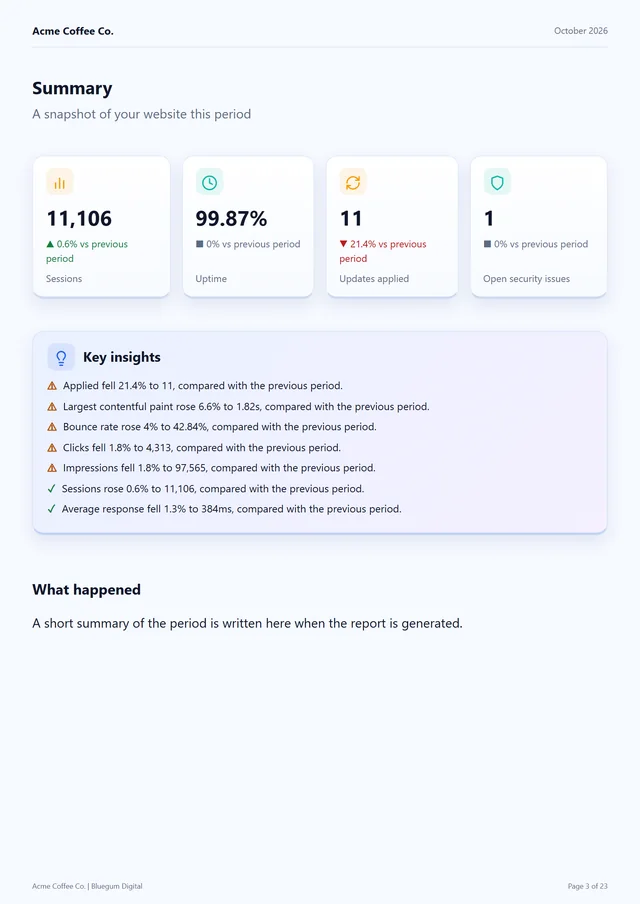
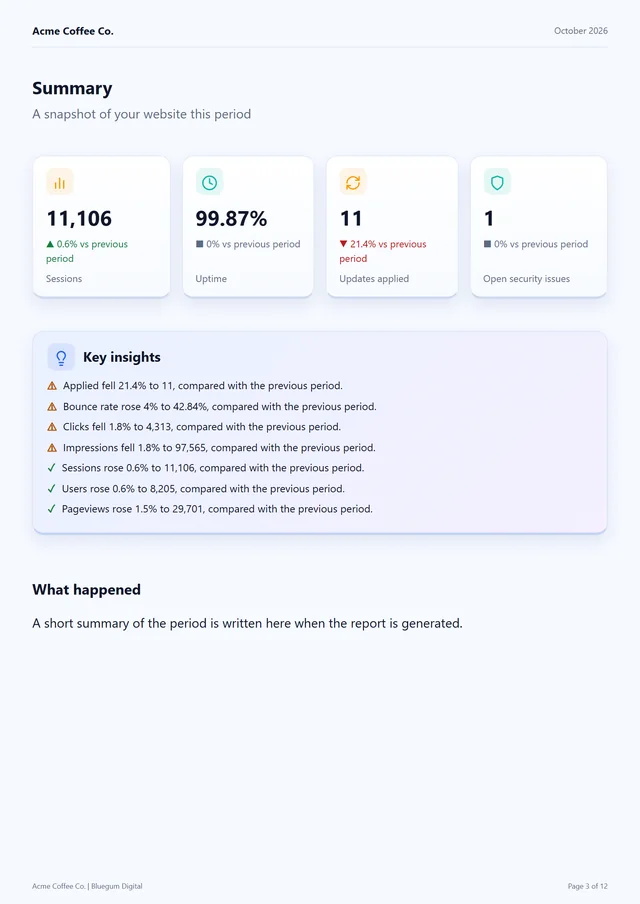
What a report can show
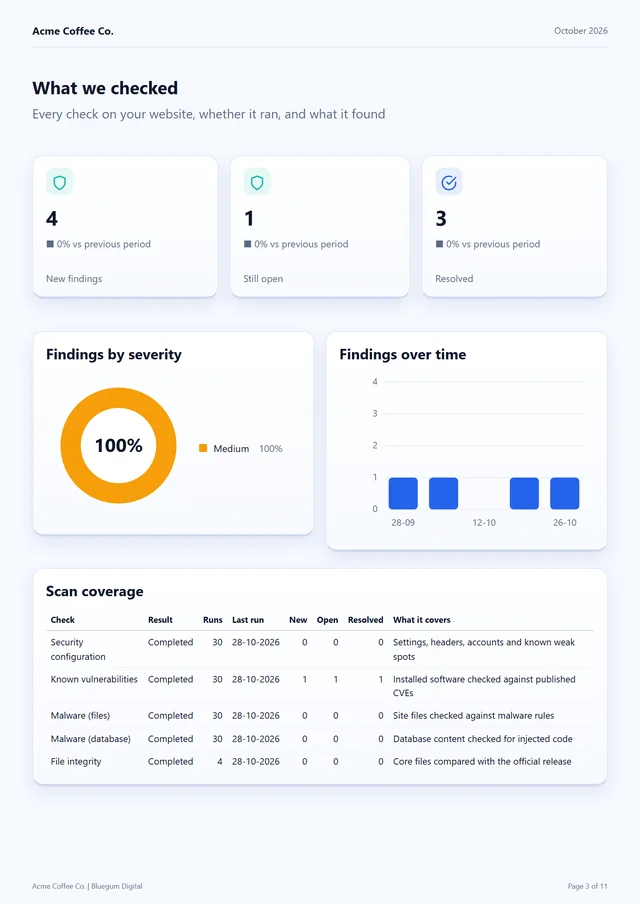
- Security: every vulnerability patched, with the evidence for each; every finding that was open during the period; and scan coverage, meaning each check, whether it ran, when, and what it found.
- Updates: the software installed at the end of the period, with versions, and every version change, from what to what and how it happened.
- Backups: each backup taken, and whether it was verified (downloaded, decrypted and checked), on every plan.
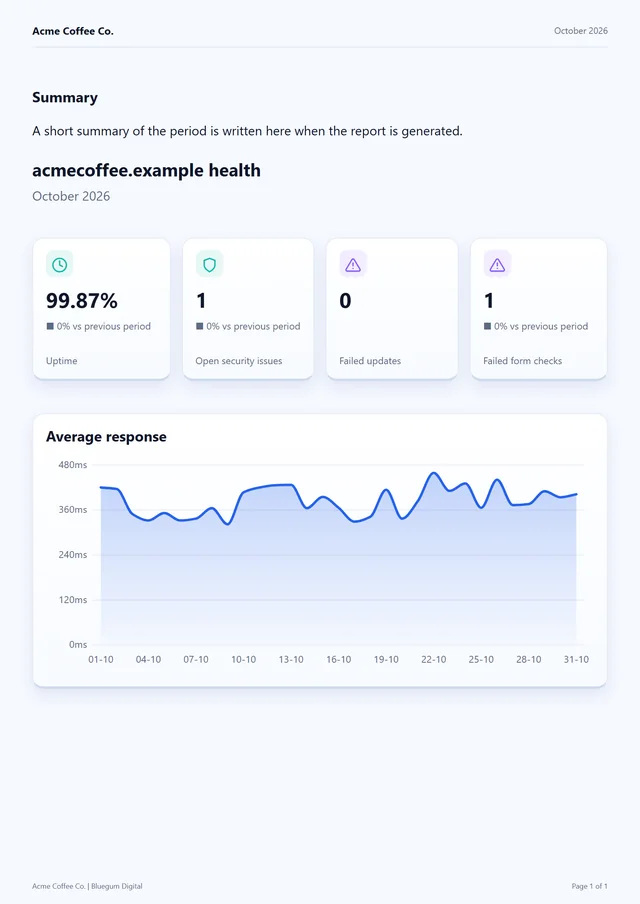
- Uptime: availability, average and slowest response, and a downtime log with each outage, how long it lasted and why.
- Site health: monitored forms and how their checks went, PHP errors by file, broken links, visual checks after changes, and domain expiry.
- Your work: time logged against the site, and the work log entries your client may see.
Figures can be set against the period before, so a client sees the direction as well as the number.
Delivered the way your clients want it
Security your client can understand
Each fixed vulnerability is listed with the plugin, the versions before and after, and what we did, in words no stronger than the evidence: "patched and re-checked" means exactly that.
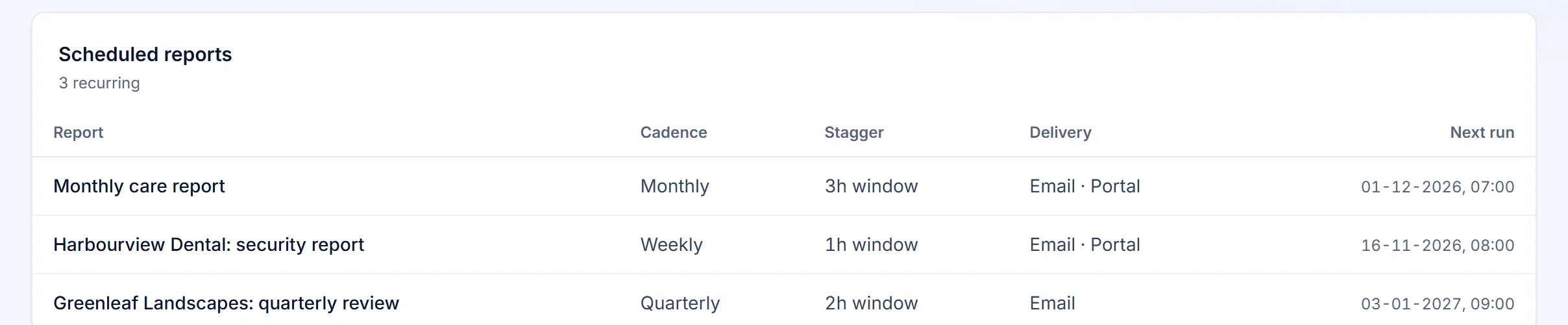
Schedule it
Weekly, monthly or quarterly for each client. Send from your own email address on every plan. Two DNS records verify your domain, with no mail server needed. Your brand goes in the subject, and the "Powered by" line stays off unless you turn it on. Sent history shows every report.
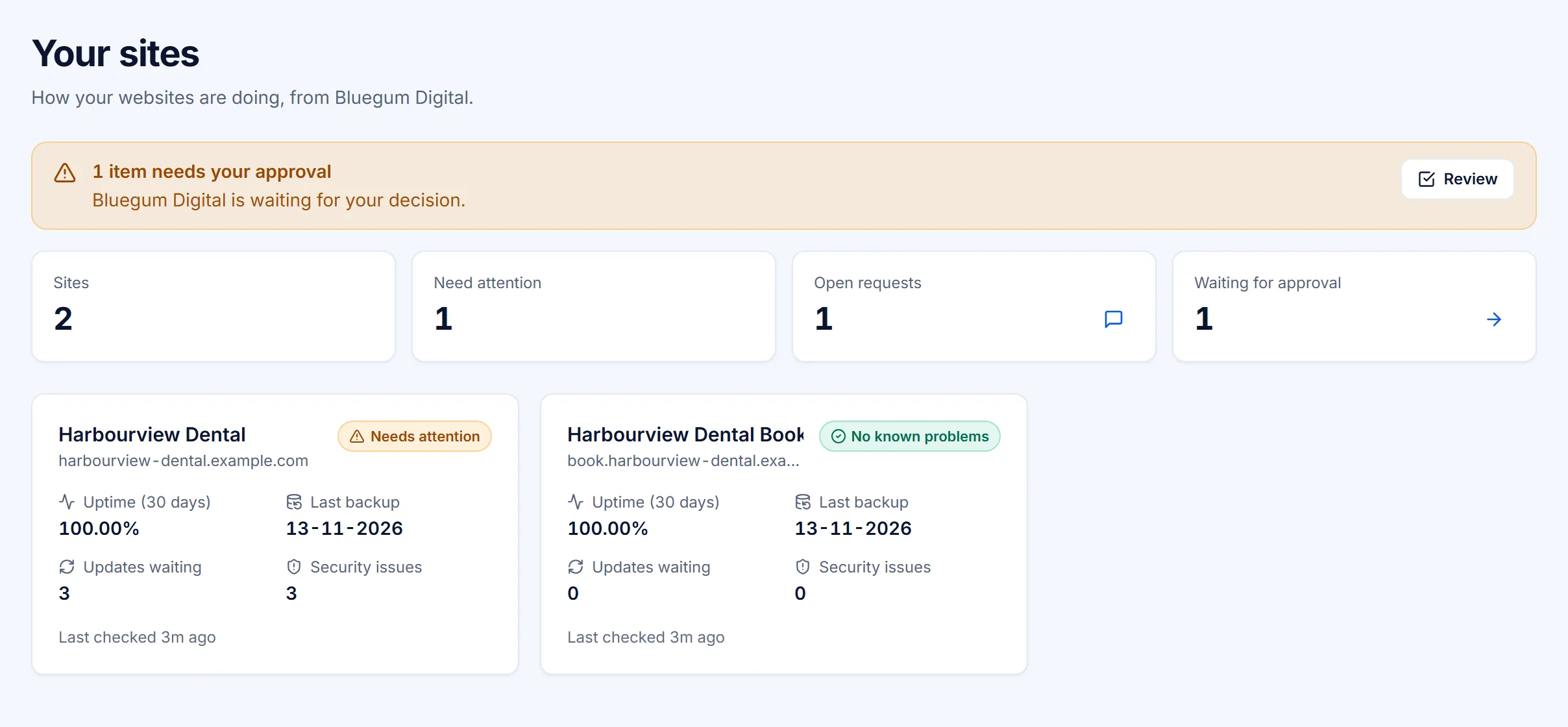
A portal your clients can log in to
Each client gets a login that shows only their sites: health, recent work, reports and requests. Clients can't change anything you haven't allowed.
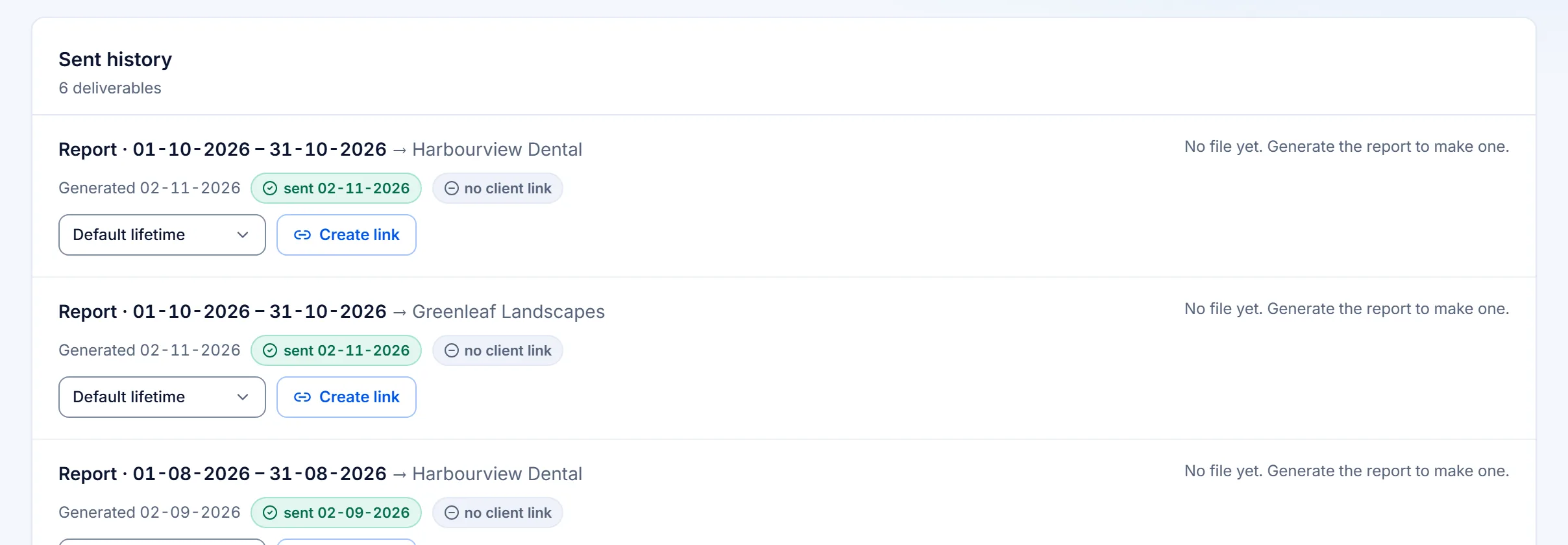
A link you stay in control of
A report names a site's software and what was patched, so its link is an access control, not just a long URL: it expires, can be withdrawn or replaced, and can require a password. Export to PDF as well.
Compared with the usual report
| Typical maintenance report | VettedWP report | |
|---|---|---|
| Layout | Fixed template, logo swap | Drag-and-drop pages, your own templates |
| Security | "Security check: OK" | Each vulnerability fixed, with dates and evidence |
| Backups | "Backup completed" | "Backup verified: every piece downloaded, decrypted and checked" |
| Delivery | PDF download | Scheduled email from your domain, a PDF and a client portal |
Related features
Client portal
Your clients see their own sites' health, backups, updates and reports, send requests and approve changes.
Status page
A public page showing whether the sites you choose are up, with 90 days of history.
White-label
Your name, colours and domain on the dashboard, the portal, the reports and the plugin.
Can I check a report before my client sees it?
Yes. A scheduled report is generated and kept in Sent history, and sending it to your client is a button you press. While you build a template you can preview it with a site's real data.
Can my client open a report without a login?
Yes, through a link. Each link expires, 90 days after it is issued by default, and you can make it last longer. You can withdraw it, replace it with a new one if it was forwarded to the wrong person, or put a password on it. An expired or withdrawn link tells the reader to ask you for a current one.
Do you track whether my client opened the report?
No. Sent history shows every report generated and sent. We don't track opens or downloads.
What does a fixed vulnerability say in the report?
Only what the evidence supports. "Patched and independently verified against the official release" when the files on disk match it; "the site confirmed it over a signed channel" when that is all we have; "not independently confirmed" below that; and "Patch attempted and NOT confirmed, treat as still open" when the re-check disagrees.
What does a dash mean in a report?
Nothing was measured for that period. A dash is never a zero in disguise, and a zero is never a dash.
Which plans include client reports?
The monthly client report is on every plan. Traffic, Search Console and keyword ranking blocks need the Google Analytics, Search Console and rank tracking integrations, which start on Business. Backup verification results, and sending from your own email address, are on every plan. White-label is on Multi. See pricing.
Try it on your own sites
Send a report your client forwards to their boss. Not ready yet? Download the free WordPress maintenance report template.
14 days of every Business feature on up to 5 sites. Cancel before it ends and you pay nothing.